



Your Microsoft tools are powerful. Are they actually working for your people?
We help Australian organisations turn SharePoint, Microsoft 365 and Copilot into tools people trust, use and value.
 Microsoft Solutions Partner
 Since 2010
 Flexible Pricing
 Australian Team
Trusted by:









What we do
Helping teams work better by



Case Study
Document migration to Teams for Sylvanvale
“With WebVine’s expertise we were able to turn document storage into a collaboration and efficiency project which has now changed the way we work at Sylvanvale for the better.”LEANNE FRETTEN, CHIEF EXECUTIVE OFFICER


Our Techologies
Delivering outcomes with Microsoft technology

Microsoft 365
Create a strategy for more productivity, mobile working and less shadow IT.


Microsoft Copilot
AI companions integrated into Microsoft 365 to assist and make your life easier.

Built by WebVine
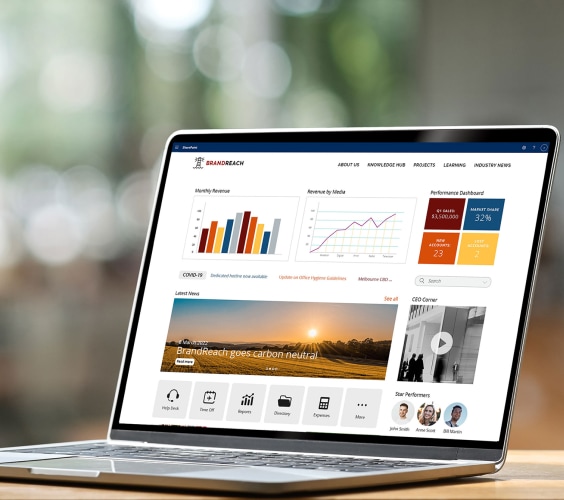
Need a SharePoint Intranet that works without a 12-month build?
Injio helps businesses improve productivity. It is highly customisable intranet accelerator based on Microsoft 365. It’s fast to deploy, packed with features and configured for your users.

Discover More
Not sure where to start? These are our most-read guides.

Struggling to locate critical documents? Versioning issues? Here’s what to do.

How to prepare for Copilot implementation to minimise risks and set up for success.

Identify, prioritise, optimise and automate your business processes.
Let’s Talk
Need help with SharePoint, Business processes, Document Management or Microsoft 365? We'll help you work out the right next step.
* REQUIRED FIELD
